Detail
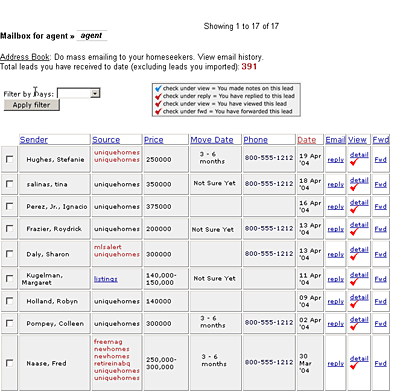
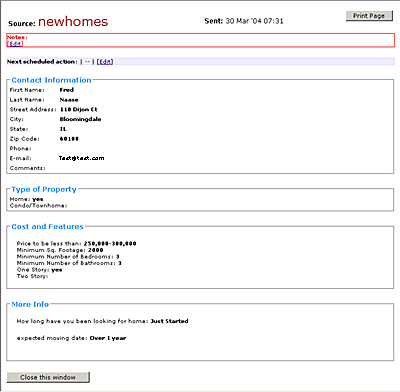
Allows you to see all the details collected from
the home seeker (lead) and you may also add your
own notes to this lead that will follow this lead
through the sales process.
You can also schedule an action to follow up.
REQUESTtraq.com will even e-mail you as a reminder.
Reply
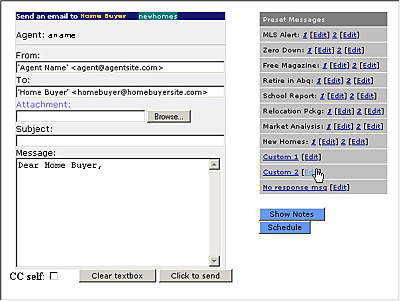
You can use this to reply to each lead (request).
You may use our preset response messages. You
can edit and customize the preset response messages
and you may also add your own. This will allow
you to respond quickly and with a message to address
the unique request of each home seeker.
To use one of the preset response messages click
on the preset message on the right side and it
will fill in the email body copy and you can then
add any other information you want this particular
home seeker to receive.
You can edit a preset message to customize them
with your contact information, etc. by clicking
on the Edit button. Once you edit a preset message
(customize it with your info) those changes will
be saved.